Every few months someone asks me which budgeting app I use, and every few months I give an annoying answer: it depends on what you're willing to trade. Because almost none of the popular money apps in this space are actually free. They're ad-supported, data-supported, or upsell-supported, and the cost just doesn't show up on a receipt. I've written before about round-up savings apps and the fee math that eats their "free money" pitch — this is the same instinct applied to the bigger category, the apps that want to see every transaction in your checking account.
I'm not telling you to panic and delete everything. Some of these trades are genuinely fine. But you should know what you're agreeing to, because most people don't read past the "connect your bank" screen.
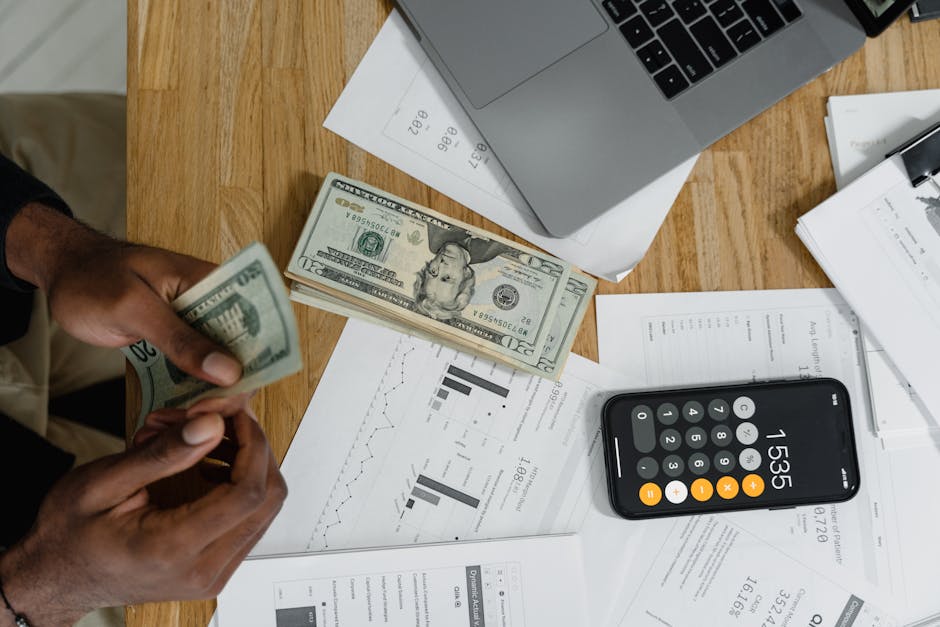
Photo by Tima Miroshnichenko on Pexels
The three business models hiding behind "free"
Budgeting and tracking apps that don't charge you a monthly fee tend to make money one of three ways, and they're not equally worth your data.
Referral and affiliate income. The app links your accounts, sees you're carrying a balance on a 24% APR card, and recommends a lower-rate card or a debt consolidation loan. If you take it, the app gets paid. This isn't inherently bad — sometimes the recommendation is genuinely a better deal — but the app has zero incentive to show you the boring option that pays it nothing, even if that option is best for you.
Aggregated, de-identified data sales. Your individual transactions get stripped of obvious identifiers and sold in bulk as spending trend data to retailers, hedge funds, and market research firms. Legally this is usually disclosed somewhere in a privacy policy you didn't read. Practically, "de-identified" is doing a lot of work in that sentence — enough transaction-level detail can often be re-associated with a person, and you have no way to audit how well any given company actually scrubs it.
Freemium upsells. The core budget tracker is free, but bill negotiation, credit monitoring, or a premium tier with better categorization sits behind a paywall. This is the most honest of the three models, because the free version's whole job is to make the paid version look worth it — nobody's pretending otherwise.
Most popular apps blend two or three of these. None of that makes them scams. It just means "free" is a marketing word, not a financial fact.
What actually changes when you pay for the app
Say you're deciding between a free tracker and one that costs $6 to $10 a month. The honest way to compare them isn't features — most free and paid apps categorize spending about equally well these days. The real difference is who the product is built for.
A paid app's customer is you. It makes money when you keep subscribing, which means it's incentivized to actually help you spend less or save more, because a tool that works is a tool you keep paying for. A free app's customer is often the lender or advertiser on the other end. It's incentivized to keep your attention and your transaction data flowing, which isn't automatically opposed to your interests, but it isn't automatically aligned with them either.
That's not a reason to assume paid is always better. Plenty of people run a perfectly good budget on a free spreadsheet template and never touch a bank-linked app at all — no data-sharing question even arises. The point is just to notice which incentive structure you're opting into, instead of assuming "free" means "no strings."
A worked example: two apps, same $4,200 paycheck
Picture two versions of the same person, both bringing home $4,200 a month, both trying to get spending under control.
Version one uses a free app that links directly to checking, savings, and two credit cards. Within a week it's surfacing recommendations: switch this card, try this cash-back checking account, consider this "smart" savings feature that moves money automatically based on a spending algorithm. Some of these might be decent. But the app is also quietly categorizing every purchase — that includes the grocery runs, the late-night takeout, the subscription nobody remembers signing up for — and depending on the provider, some or all of that spending pattern may be bundled and sold as aggregate data.
Version two pays $7 a month for an app with a strict no-data-sale policy stated in its terms (worth actually checking, not assuming). It links the same accounts but the interface never nudges toward a referral product. It just shows the numbers.
Financially, both people can hit the exact same budget outcome. The $7 a month is real money — about $84 a year, enough that skipping it and doing a manual weekly review in a spreadsheet is a completely reasonable choice for a lot of people. What you're buying with that $7 isn't better math. It's a business model where the app's success depends on your success instead of your data.
The privacy setting almost nobody checks

Photo by DΛVΞ GΛRCIΛ on Pexels
If you already use a free bank-linking app and aren't ready to switch, there's usually a data-sharing or marketing-preferences toggle buried in account settings — separate from the basic notification settings most people do check. It won't always stop every use of your data, since some sharing is baked into how the app functions at all, but it often limits third-party marketing use specifically. It's worth five minutes to go find it, because most people never do, and the default is almost never the most private option.
The other thing worth checking: which permission level you granted when you connected your bank. Most account-linking services (Plaid is the big one behind the scenes for a lot of these apps) let you connect with read-only access to balances and transactions. You don't need to grant anything beyond that for a budgeting app to do its job. If an app is asking for more, that's worth pausing on.
FAQ
Is it actually risky to link my bank account to a budgeting app?
The connection itself is usually handled through a security layer (Plaid and similar aggregators) rather than the app storing your bank login directly, which is safer than it sounds. The bigger risk isn't a hack — it's the ordinary, legal use of your spending data for advertising or sale, which is a privacy trade-off rather than a security one.
Should I just use a spreadsheet instead?
For some people, yes — a spreadsheet has no data-sharing question at all and costs nothing but a little manual entry time each week. The tradeoff is convenience: automatic categorization catches things a weekly spreadsheet update might miss. Neither is objectively better; it depends on whether you'll actually keep up with manual entry.
How do I find out if an app sells my data?
Search the privacy policy for "third parties," "aggregate," or "de-identified" — that's usually where data-sharing terms live, even when the marketing copy doesn't mention it. If you can't find a clear answer after a few minutes of looking, treat that ambiguity itself as information.
The real question to ask before you connect anything
Free budgeting apps aren't a trap, and paid ones aren't automatically virtuous — I've seen both done well and both done badly. But "free" in this category almost always means "paid for differently," and most people never stop to ask how. Before you link an account anywhere, it's worth asking one plain question: if I'm not paying for this with money, what exactly am I paying with? Sometimes the honest answer is "nothing I mind." Just make sure it's an answer you actually chose, not one you backed into by skimming past a terms screen.
Comments
Post a Comment